
Garfield County Newest Arrest Window
Start with the GCSO Current Inmates page. Its “View Current Inmates” link opens a PDF the sheriff generates from current jail data. Near the top sits a Recent Arrests block. It names the newest intake events the report carries. Garfield County labels the whole file a reference report. The county also says the file refreshes automatically every two hours. Nowhere does the county call that block a complete rolling 24-hour list. No maximum age for entries is posted.
“Recent” here simply means the latest entries a generated jail report happened to include. It does not mean every person arrested in the prior 24 clock hours must show up. The PDF keeps Recent Releases separate from the current in-custody table. A person can shift between those views. Someone can walk free before the next version, or sit in another facility entirely. Check the file's “As of” stamp. That mark tells when Garfield County made the snapshot. It matters more than when a reader opened it.
The roster landing screen shows the refresh schedule and the confirmation route. View the Garfield County current-inmate source to reach the PDF.
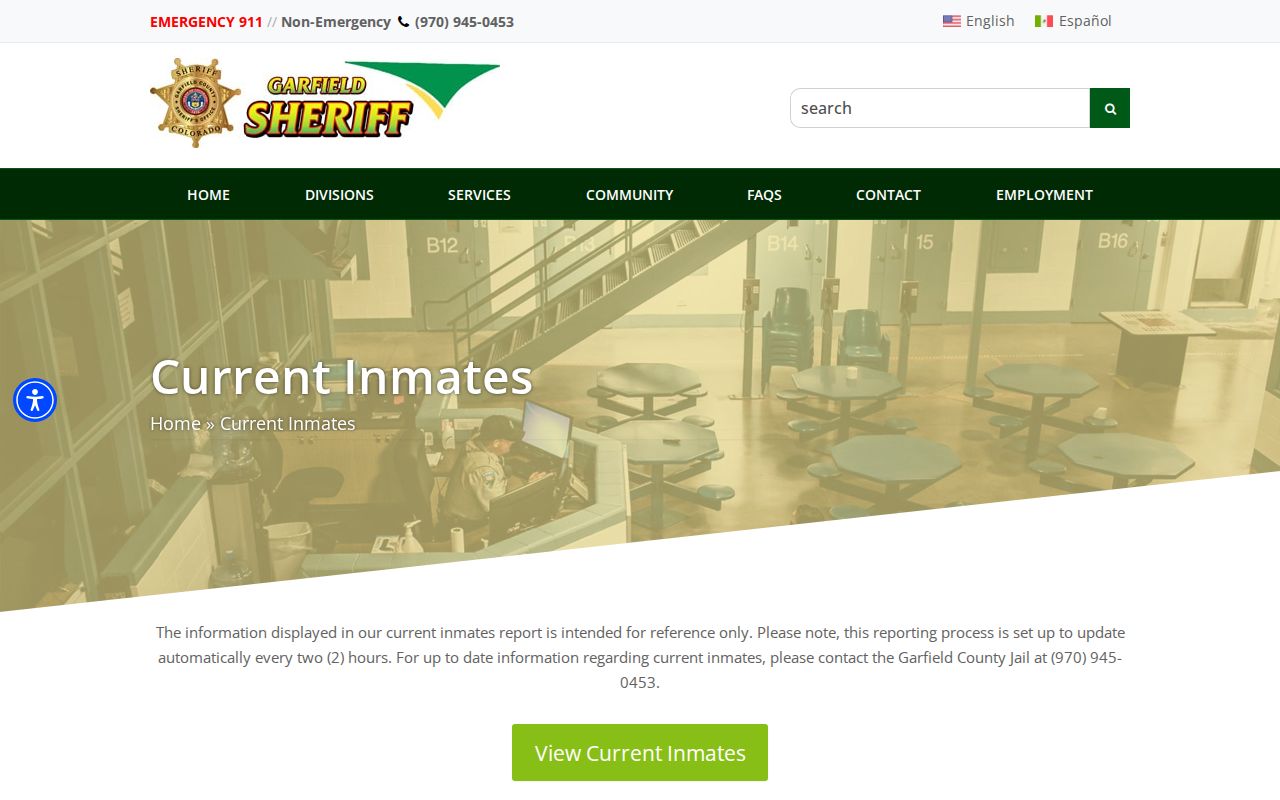
The official page leads to the reference PDF itself.
Check Garfield County Arrests Today
The roster page offers no last-name search form. Open the PDF instead and note its timestamp. Then use your browser or PDF viewer's find command. A name alone can point at the wrong person. Match the booking date plus any booking number or case detail before trusting that an entry fits the person you want.
- Open GCSO Current Inmates and select “View Current Inmates.”
- Record the “As of” time, then read Recent Arrests for the newest names and booking dates.
- Search current custody for the same name. That table may add booking number, charge text, days held, and bond or release data.
- Check Recent Releases if the name is no longer in current custody.
- Call the Garfield County Jail at (970) 945-0453 for current confirmation. Ask staff to confirm the booking extension because official pages differ between 1033 and 1034.
A current-custody row and a new-arrest row answer different questions. One shows who was held at the snapshot moment. The other flags a newly visible booking event. Neither tells you how a case ends, and full record paths sit on the Garfield County recent arrests hub.
Garfield County Arrest Fields
The Recent Arrests block is thin on detail. No mugshot appears there. Nor does a charge description, bond, release date, booking number, jail location, or court outcome. An empty cell means nothing, and details from other websites should stay out of your notes.
| Official field | Meaning |
|---|---|
| Inmate Name | The name entered during jail processing. Spelling alone does not prove identity. |
| Gender | A displayed roster field, not a full identity check. |
| Booking Date | The intake date in the jail system, without a promised minute-by-minute time. |
| “As of” timestamp | The generation time for the PDF snapshot, not the arrest time. |
The current in-custody table runs deeper. It can list bond amount or release date, days in custody, ChargeDescription, and a booking number. ChargeDescription is simply what intake entered. Prosecutors may amend or drop it later. A booking number helps GCSO Records pull the right file, though it may differ from a court case number.
Note: The observed official Garfield County PDF had no booking-photo column, so a roster name should never be treated as a public mugshot.
Why Garfield Arrest Entries Lag
Garfield County posts no intake-to-roster clock. Booking itself can involve identification, property inventory, health screening, fingerprinting, data entry, and classification. A release, transfer, or system outage can change what appears. So can sealed matters and the next PDF cycle. The two-hour figure describes automatic report refreshes only. It does not promise each record reaches the source data before the next refresh.
No weekend or holiday schedule is published either. GCSO describes an automatic report, so no weekday posting hour exists to cite. The safest check is the timestamp plus the jail phone. For a longer event history, turn to the Garfield County Arrest Log. It covers individual dates and multi-day activity-report bundles.
Garfield County Booking Fallbacks
When the recent block runs stale or unclear, stay on official channels. Read all three PDF areas first. Then call the Garfield County Jail. Older incidents and fuller narratives live in GCSO Activity Reports. A formal booking record or a releasable adult arrest photo goes through the GCSO Records Division rather than any online photo gallery.
The GCSO Records page lays out that route. Records staff sit at the Sheriff's Annex, 106 County Road 333A, Rifle, CO 81650, and take requests at records@garcosheriff.com or (970) 945-0453. A signed form and ID copy are required. Give the name, the approximate date, the booking number if known, and the exact record sought. Colorado criminal-justice records law and protected-record rules govern what gets released.
The official records screen backs up the fallback path. Check the Garfield County records source before sending anything.
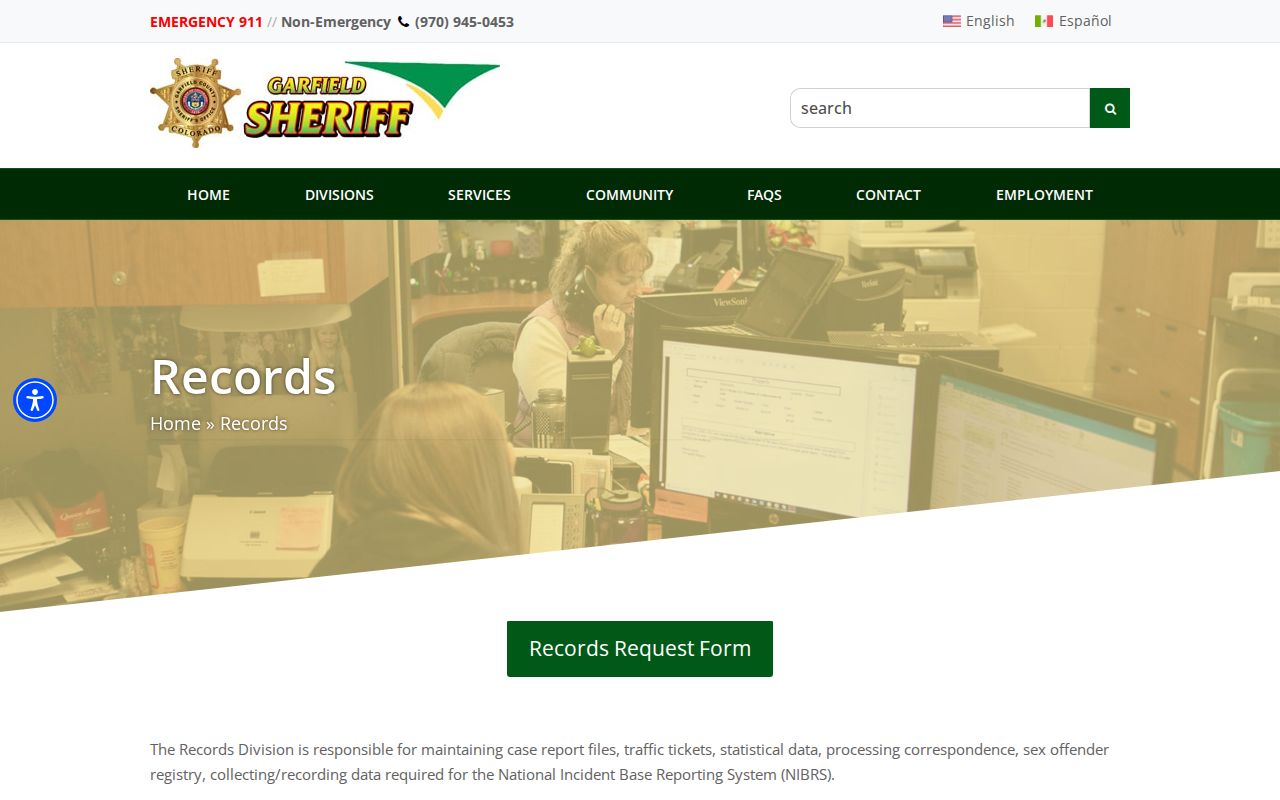
The county channel covers fuller booking records and legally releasable arrest photos.
VINELink can track one person after an arrest. It also sends release or transfer notices. VINE does not replace the PDF, the jail phone, or the court record, and it can lag a fresh intake. Colorado VINE leaves out Colorado DOC and federal custody.
Garfield Arrest Apps Explained
Garfield County publishes no dedicated jail roster app. The Emergency Management app, built on Everbridge, sends public-safety alerts, not inmate searches. Alerts are not bookings. Sheriff social media and county news post selected incidents. Their silence means nothing about whether a Garfield County arrest occurred. The official chain still works best: start at the current-inmate page and pull the generated PDF. Then confirm custody with the jail, and move on to Records or the court. A press release may explain one event. But the county's official booking photo path is a records request, never an app or a feed.
Note: Garfield County emergency tools do not provide booking photos, jail roster entries, or notice of every arrest.
Garfield Arrests and Court Outcomes
A Garfield County roster entry only shows a booking. It cannot display a plea, trial result, acquittal, dismissal, or final sentence. The roster's job is custody, nothing more. A release line is vague too. Getting out can mean bond, release on recognizance, finished sentence time, a transfer, or a changed hold. Names repeat across the county. Match dates and identifiers before assuming two entries describe the same person. For the fuller story, follow the matter through the Garfield County Ninth Judicial District docket or the records office.